ChatGPT's new "Work with" feature, MCP, and more
by Josh Long

update: Sam Altman just announced official support for MCP!
So, you know what this means? You need to be checking out Spring AI's amazing MCP support! Just search for MCP in the Dependencies dropdown!
It's amazing how smart these tools are in the wake of AI. First, we saw Anthropic's Claude Desktop app (on Windows and macOS) sprout MCP last November. MCP has already enabled thousands of unique and amazing integrations and interactions on the desktop (and beyond). (By the way, did you see my MCP video?)
Now ChatGPT has the "work with me" feature. I was sitting in IntelliJ IDEA working on some text and I switched over to ChatGPT to ask it about a phrasing or something, and I noticed a little "README.adoc" icon above the ChatGPT text input area. It knew about my IDE's context!
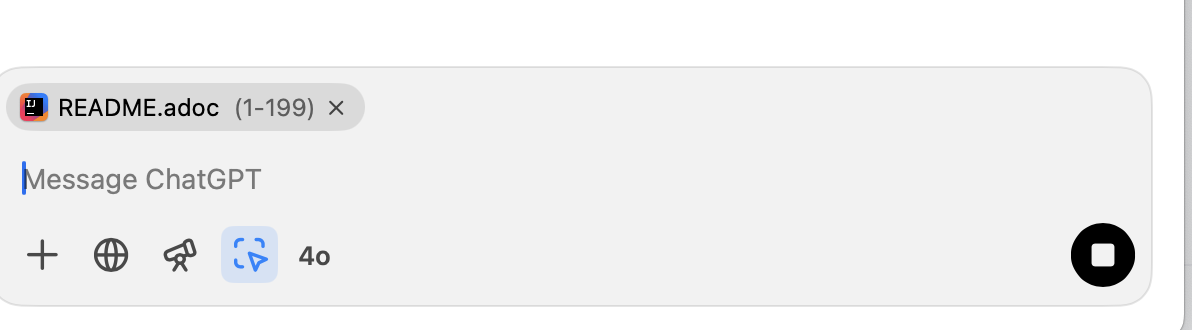
Turns out this is a feature that was introduced a few weeks ago and is already supported across the entire fleet of JetBrains technologies!
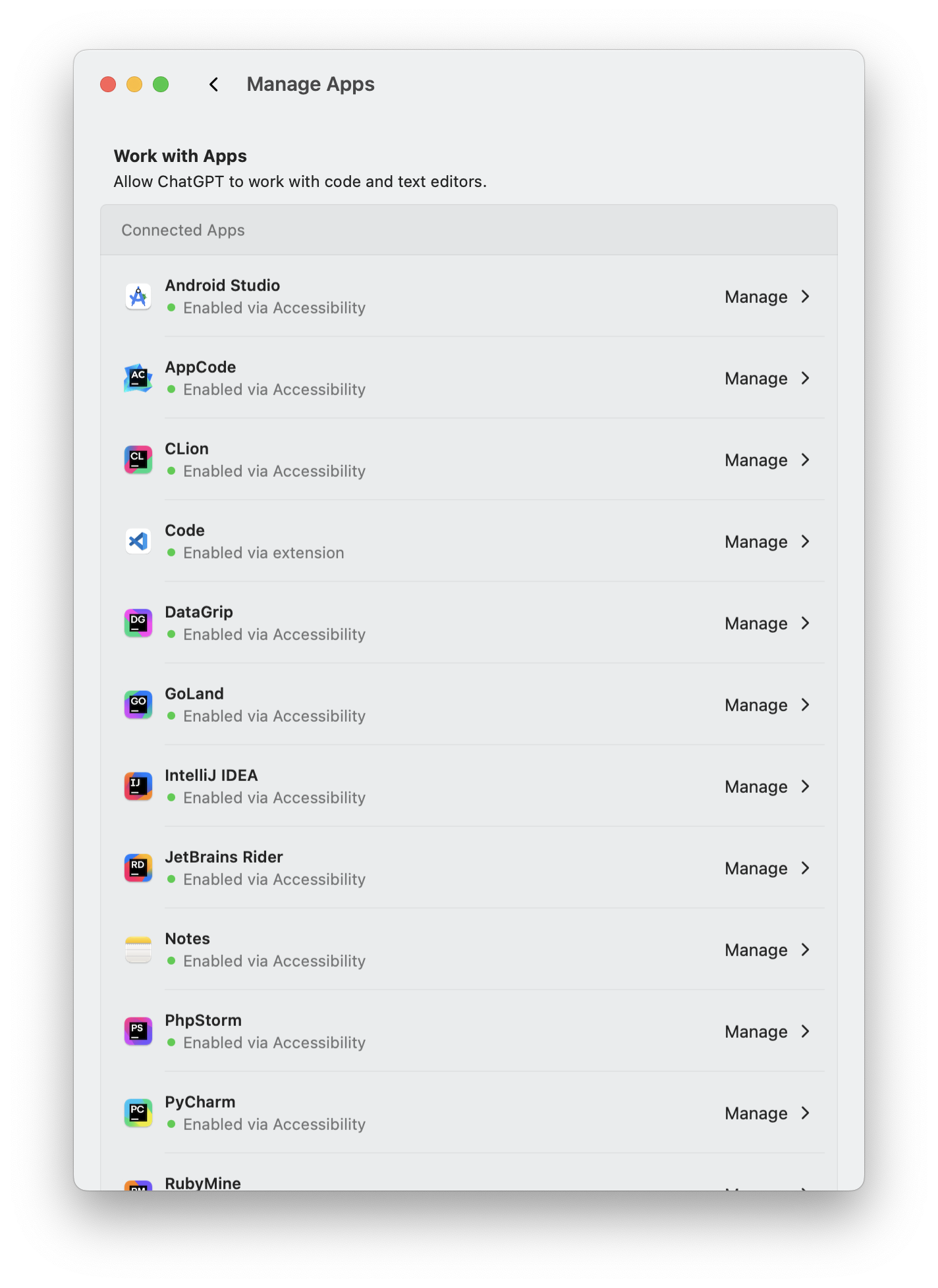
You can check the ChatGPT desktop app's "Settings" screen to see what. It also works in Apple Notes, Apple TextEdit, Apple Script Editor, and Apple's Terminal, too!
And, if you install a plugin, it can be made to work in Visual Studio Code, too! Here's the plugin I had to install.

And here's me working with this very post in ChatGPT, even tho the main edits were occurring in Visual Studio Code.app. (Now, when will this work with emacs?)

Anyway, good stuff! I can't wait to see more of this.
Nice!
Comments powered by Talkyard.