Faster Wi-Fi with the Amazon Eero Max 7
by Josh Long
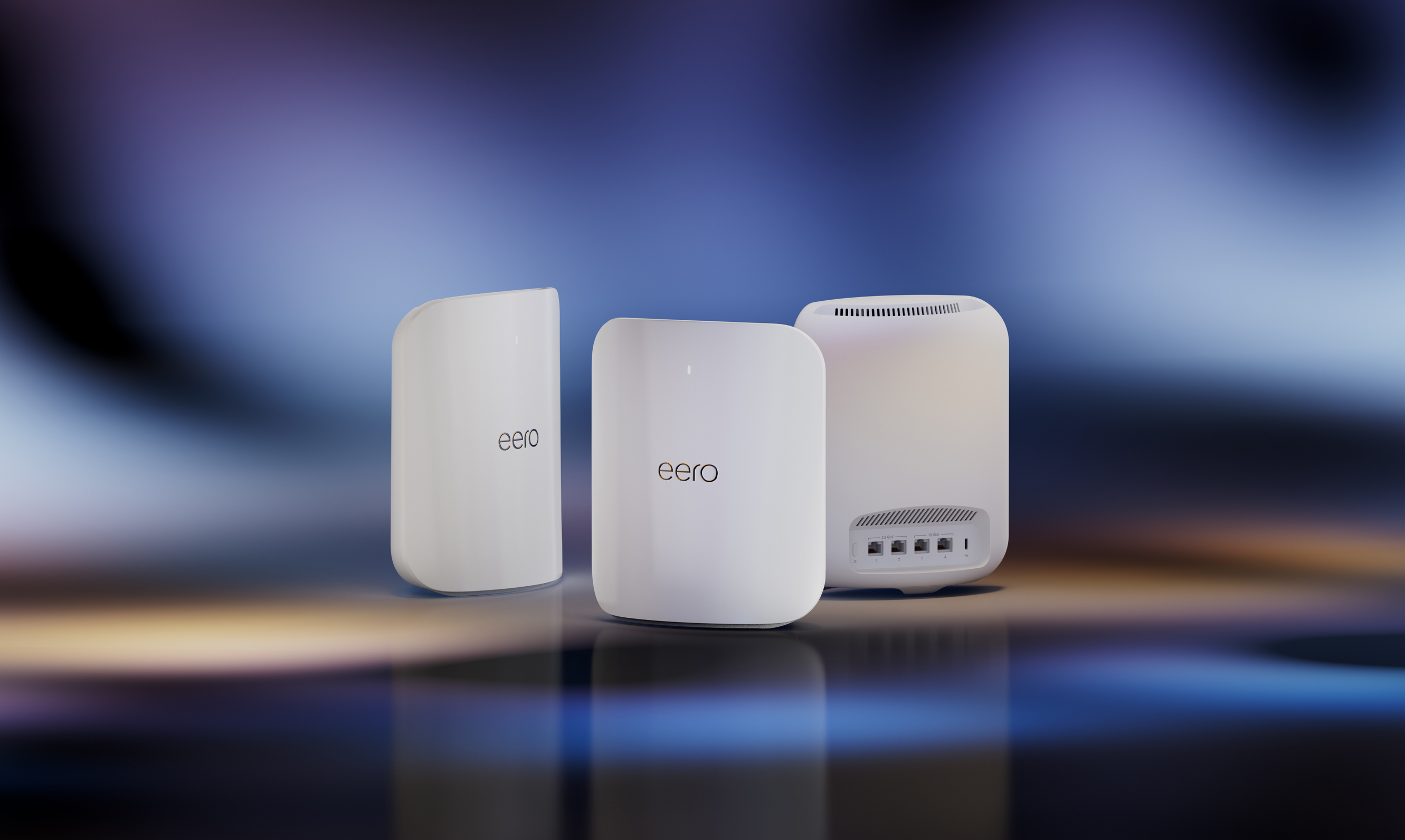
After moving to a more spacious condo in San Francisco at the height of the pandemic in 2020, my trusty Apple Airport Extreme wireless router struggled to keep up with the new dimensions. My daughter's room was on the opposite end of condo as the ethernet drop was. Enter Amazon's Eero mesh routers. I was initially hesitant about Amazon's recent acquisition of Eero, but dove in feet-first anyway. I set up the main gateway by the ethernet and added two beacons—one in the hallway and another in the living room—to boost the signal. It was decent - but not perfect - and the limited ports for wired connectivity was a constraint.
Fast forward to now; it's 2023 and I need to plugin one more device. Just one. And I'm out of ports. So back to the drawing board. There's a newer Eero Max 7 that's just been released. Swapping it out was a breeze. It took minutes to plug it in, go to the Eero app and migrate to the new network. Here's the kicker: my old beacons were still compatible. But it turns out I didn't need them anymore. With just the one Eero Max 7 gateway node running, speeds rocketed to at least 400 megabits in every room, effortlessly permeating walls, doors, and appliances.
The Eero devices have a sleek design reminiscent of Apple's aesthetics. The app's user experience is commendable, although more explicit documentation about whether I needed the beacons, or if there was a new kind of beacon, would've been appreciated. The revelation that one Eero Max 7 outperformed my older set not only cleared up space and reduced energy consumption but was also more cost-effective. Upgrading was both a technological and financial win. Kudos, Eero!
UPDATE (2023-11-20) maybe it was too good to be true? I noticed that, while it does indeed reach the otherside of the condo, and it is indeed much faster on the other side of the condo, compared to when I had the older Eero setup with the beacon repeater setup, it sometimes flakes out and drops, awkwardly right in the middle of somthing important like a phone call or Zoom meeting. I'm not sure if the sheer number of devices is overwhelming it or the signal attenuates when the wind changes, or what, so I purchased a second Eero to act as a node (not the gateway). It was super easy to set this one up. I just went to the Eero application, added a device, and voilà, it was up and running, extending the signal from the first one. Time will tell if we've also eliminated the flakiness...
Comments powered by Talkyard.