Adapting Google Nest thermostats to Apple Home
by Josh Long
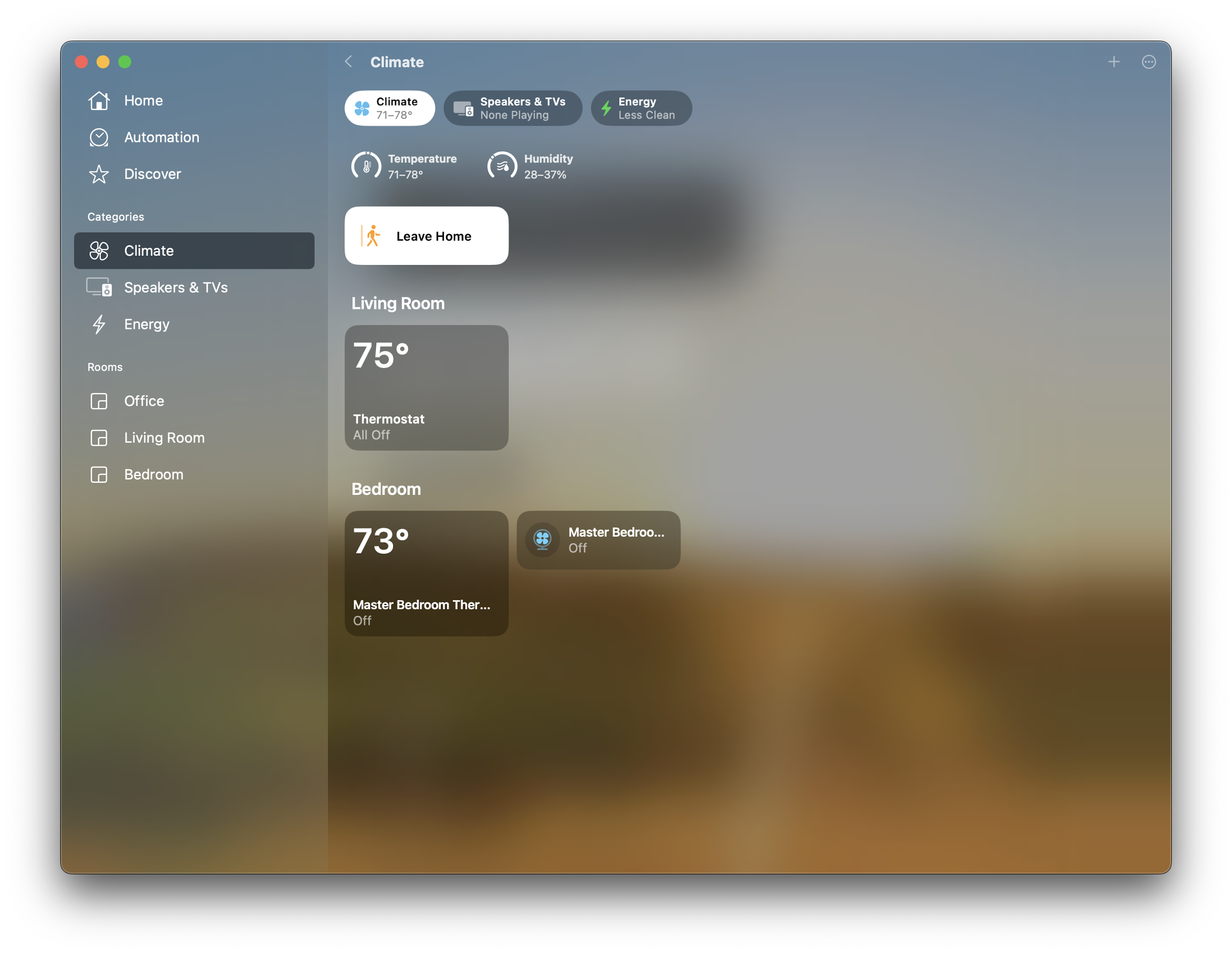
In a previous post, I alluded to my need for more wired connectivity on my home Wi-Fi router. Here's why: I wanted to plugin a Starlink hub to adapt my Google Nest thermostats to work with Apple Home automation. Many years ago, I wanted things to work well together, so I decided to go all-in on the Apple ecosystem.
Decades ago, I eagerly tinkered and used things like Misterhouse for home automation. These days, things have come a long way. I'm too busy. But I do love the space. The power of DIY home automation is intoxicating! And I'm an engineer, so conceivably, no problem's solution is beyond my grasp if I decide to roll up my sleeves and do something about it! So, I've gone out of my way to ignore all the new home automation opportunities. I got a Nest Learning thermostat almost a decade ago and have been a fan ever since. They're self-contained, set-and-forget. It's pretty convenient, I'd say.
The only problem is that they're an island unto themselves in my home. Apple Home doesn't see them. It offers no opportunities for controlling them. For obvious reasons, they're stuck in the home platform wars raging between Samsung, Apple, and Google, among countless others. So I could either rip out the Google Nest thermostats (why? They work well enough) and replace them with an equivalent in the Apple home system - I have no idea what that might even be, to be honest with you - or I could adapt the existing nest thermostats to something that could be seen with apple home. I decided to tug on this thread. I bought the Starling Home Hub 9076. Its use is pretty simple: plug it into the router for your networked home. Then, download the Starling application to your mobile device on the same Wi-Fi network. You'll discover the nest or nests. I have two in my home: one for the main bedroom and one for the living room and the guest bedroom / my office. It found them both, and almost immediately, I could see the two Nests as devices in the Apple Home application. Now, I can control the temperatures for any part of the home from the Home application (which runs on my MacBook Pro, Apple TV, iPad, iPhone, etc.), use Siri (from my Homepods, Apple Watch, Apple TV, and all the other usual suspects), and even set up "automation" with Apple Home itself.
These automations are a real eye-opener. You can set up "scenes," which are configurations for different devices given a logical name. You might configure a "scene" for bedtime and another for movie night, etc. You can also have triggers, like whether all the people in the house have left, a particular user has returned home, or something else. It works a charm! I love integration software!
Comments powered by Talkyard.